Generate a New Token
In order to generate a new token / API key there are a few prerequisite steps that must be followed first. Please be sure of the following before proceeding.
Unlimited PlanIn order to generate an API token and make use of the API calls you must have a current unlimited planIf you purchased the unlimited plan, generated a token, but then switched plans your API token will no longer work.You can check your current plan status from the Dashboard after logging in under My Plan
- Dashboard
- Generating new tokens can only be done from the
DEVSEYSeygov dashboard - You must be logged into your
DEVSEYSeygovaccountaccount, go to the settings drop down, andhaveclicktheAPIunlimited planSettings
- Generating new tokens can only be done from the
Once you've checked all the prerequisites you can generate a new token from the dashboard.
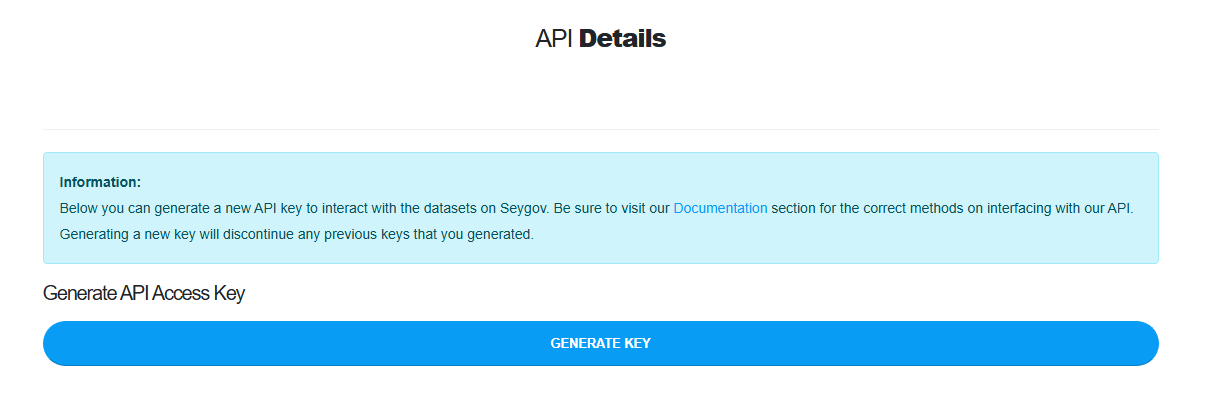
For reference the steps required are:
- Sign into https://
devsey.seygov.com - Click Dashboard from the top right menu
VerifyHoveryoutheareSettingscurrentlybuttonanfromunlimitedtheplanmainmembermenubydropclicking My PlandownNextClicktoAPIMy Plan click Dashboard to take you back to your main dashboardSettings- Scroll down to Generate API Access Key
- Click the
greenGenerate Key button To the left of the green Generate Key button you will see Your API Token, and below that your new API Token- Click the token, it is a hyperlink, it will automatically copy the token to your clipboard.