API - Generate a New Token
In order to generate a new token / API key there are a few prerequisite steps that must be followed first. Please be sure of the following before proceeding.
- Dashboard
- Generating new tokens can only be done from the Seygov dashboard
- You must be logged into your Seygov account, go to the settings drop down, and click API Settings
Once you've checked all the prerequisites you can generate a new token from the dashboard.
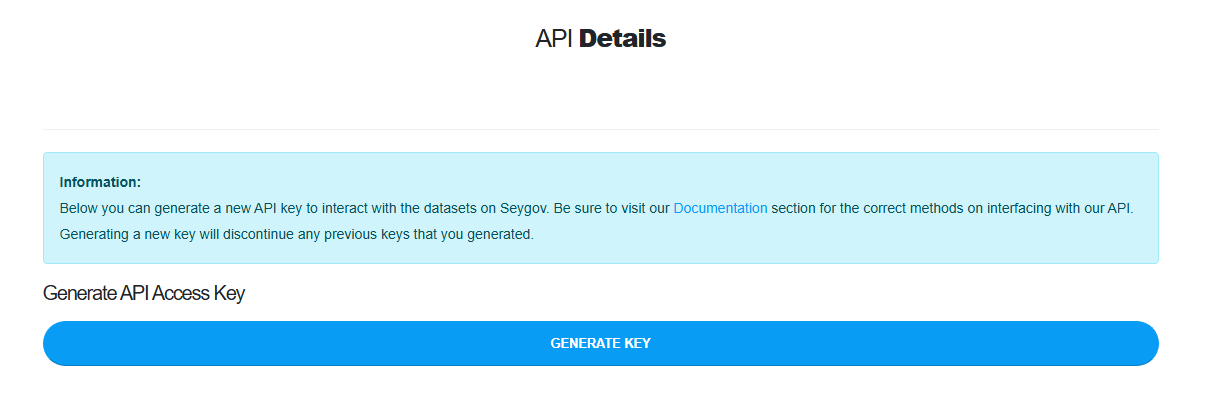
For reference the steps required are:
- Sign into https://seygov.com
- Click Dashboard from the top right menu
- Hover the Settings button from the main menu drop down
- Click API Settings
- Scroll down to Generate API Access Key
- Click the Generate Key button
- Click the token, it is a hyperlink, it will automatically copy the token to your clipboard.